Registration & Sign-in

  • Visit website or App Store
  • Login via Google / Apple / Discord
We do not use username+password. Token-based login is safer (time-limited, scoped). Enable 2FA (coming soon).

UI tour (5 mins)
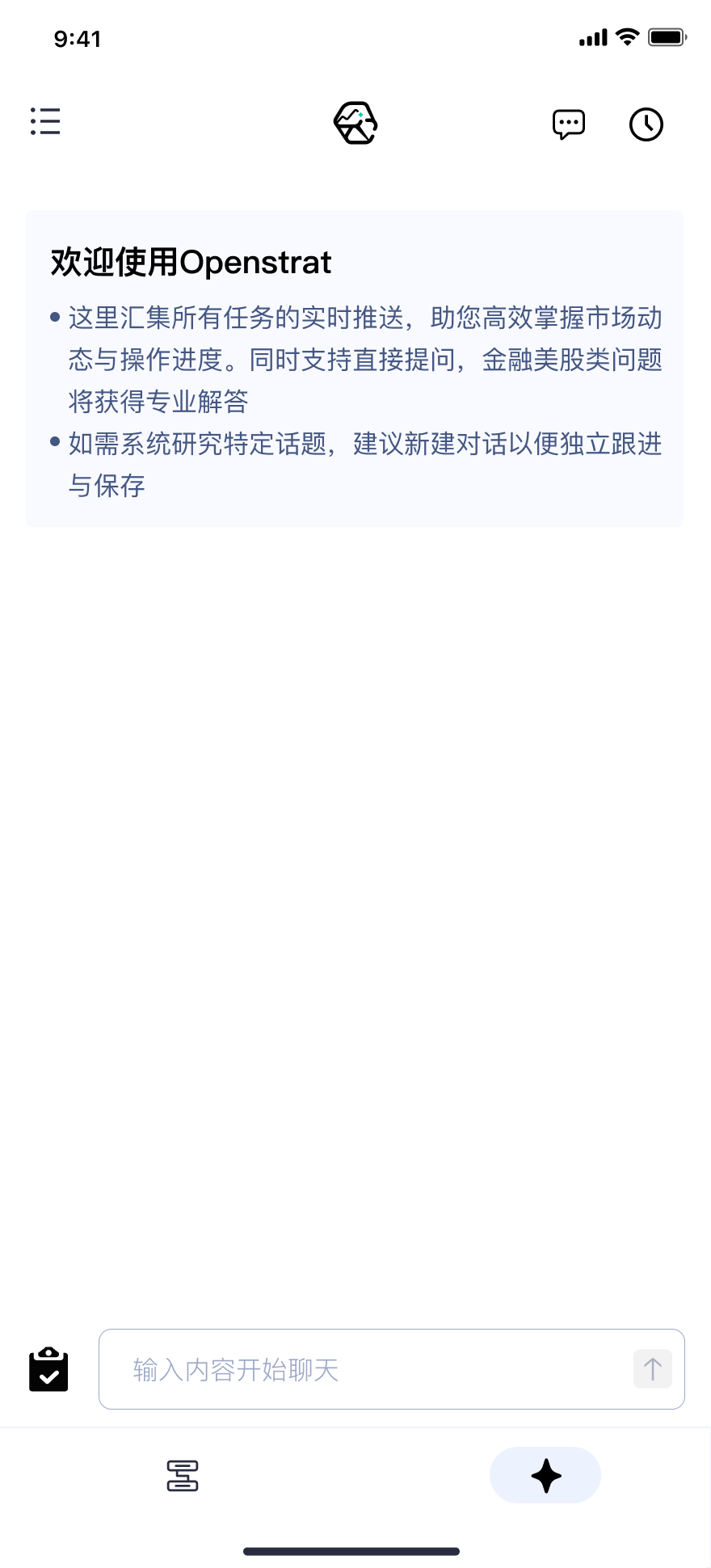
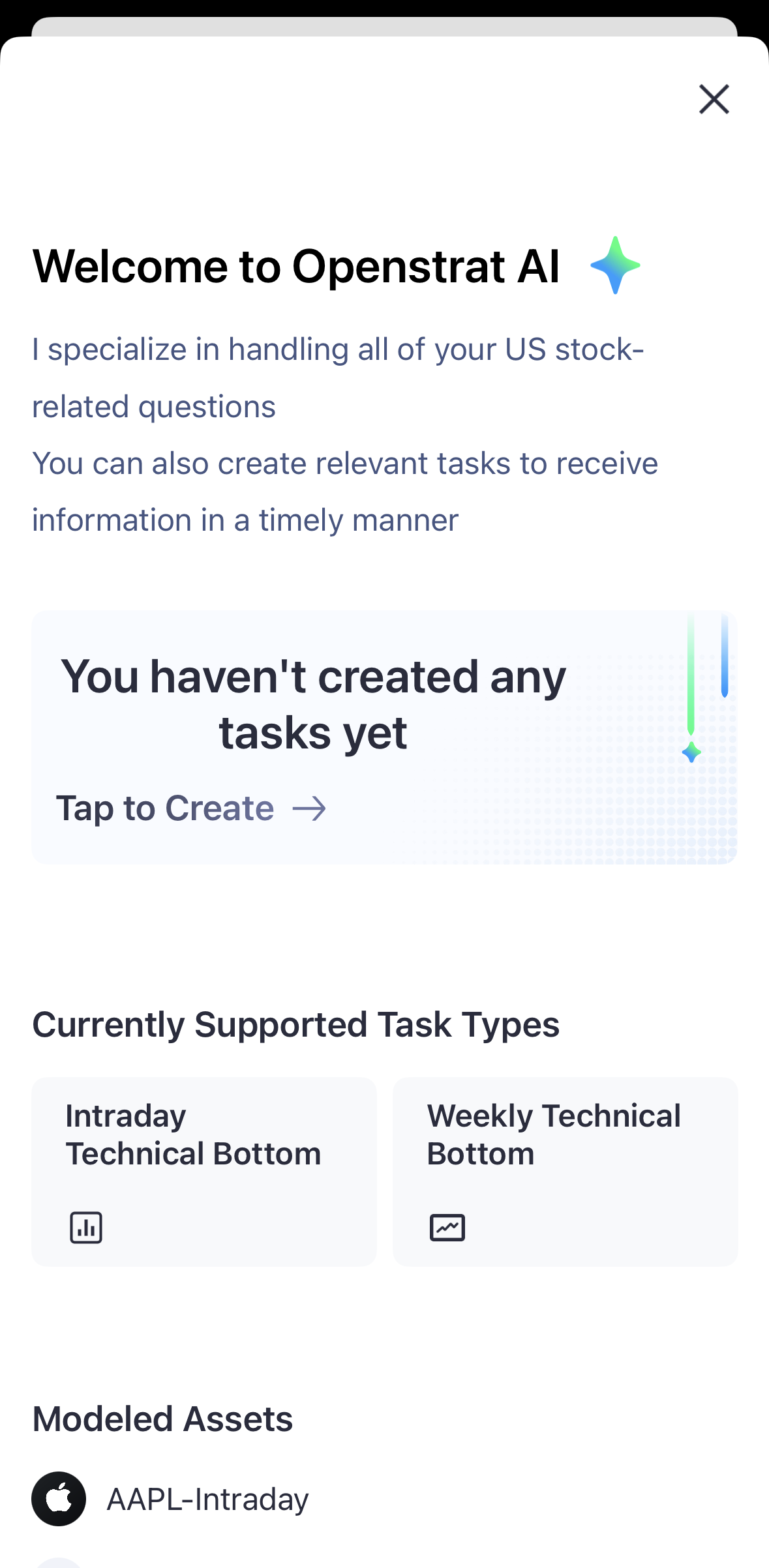
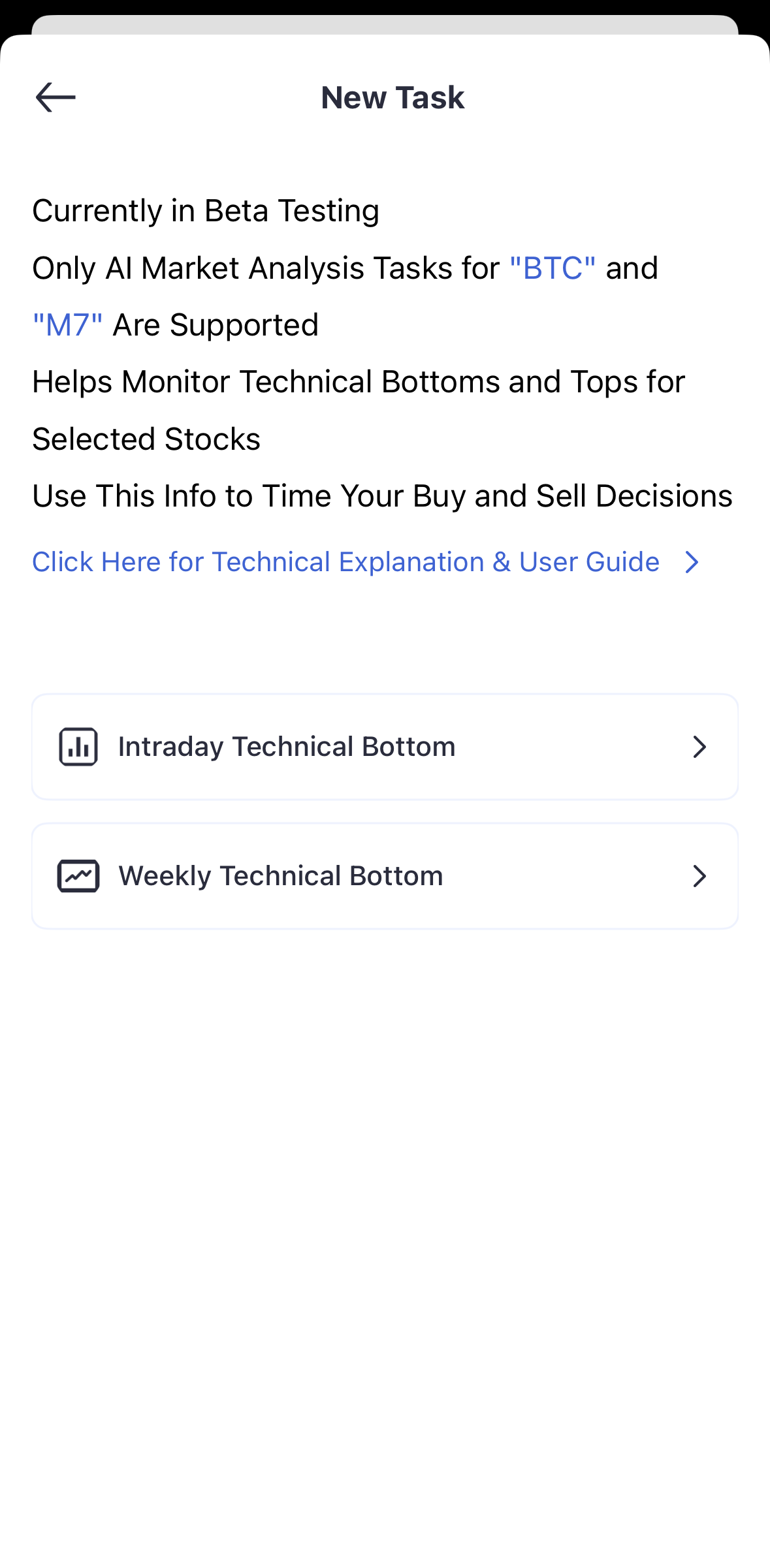
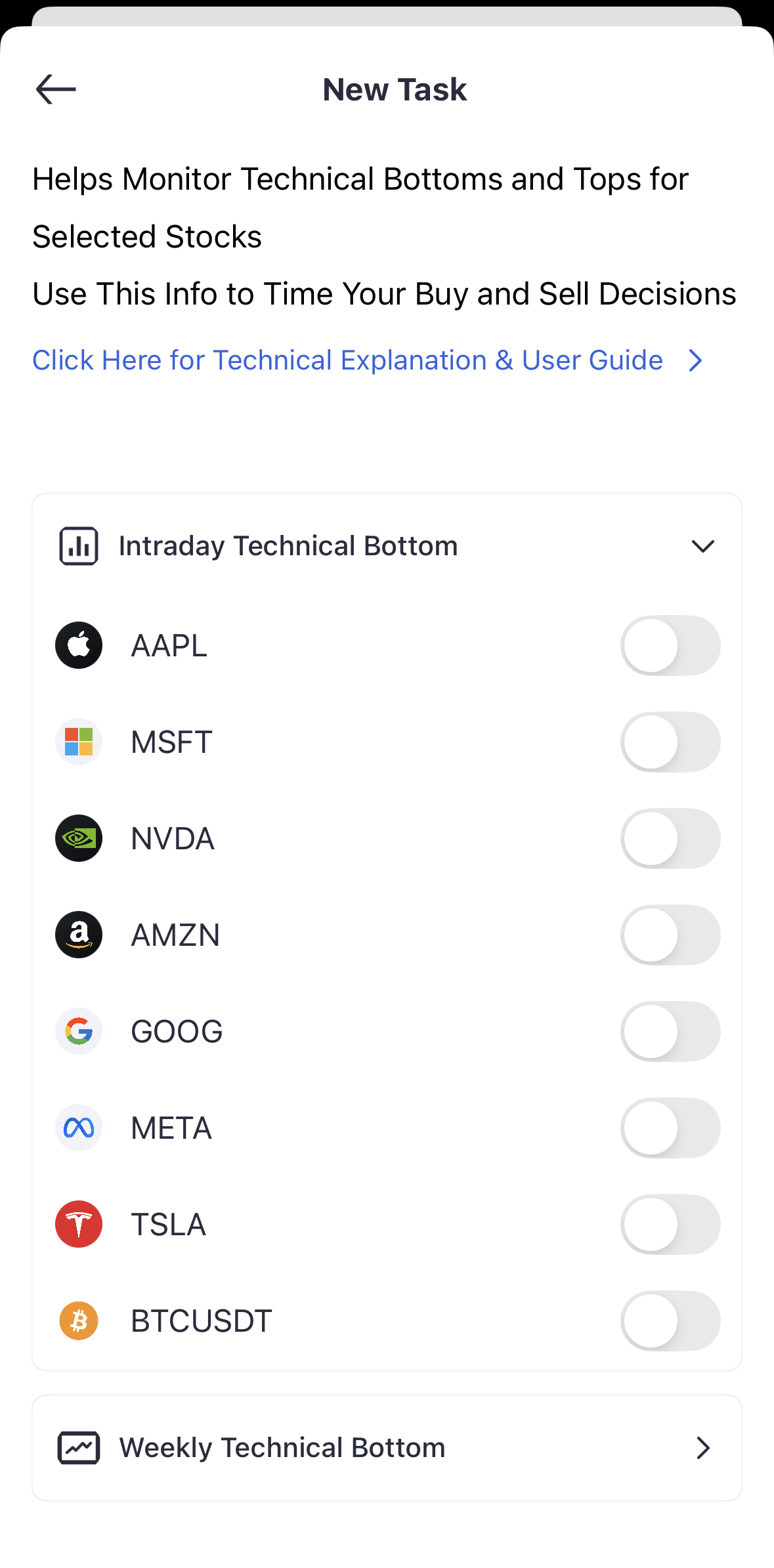
UI overview (home/menu/chat/tasks/notifications) Welcome (new user guide) Create task entry (Tap to Create) Task details (select symbol & toggle notifications)

First-time guide

  1. Browse the homepage
  2. Create your first task (e.g., BTCUSDT or AAPL)
  3. Learn how notifications are delivered
  4. Try a quick chat with the AI assistant

Create your first task

Tap “Tap to Create”, pick a symbol and turn on alerts. Stocks are monitored intraday; crypto is monitored 24/7. Currently covers Magnificent-7 (AAPL/MSFT/NVDA/AMZN/GOOG/META/TSLA) and BTC.

Basic settings

▶ Notifications: app push, task alerts, conditions & channels ▶ Account security: 2FA (coming soon) ▶ Personalization: theme, default view, timezone & formats

Mobile

Install → sign in → allow push. Gestures: swipe left on tasks (quick actions), pull-to-refresh, long-press. Some features work offline and sync when back online.

Common issues

▶ No push received: check app permission/system notifications/Do Not Disturb/network; on iOS enable Banners ▶ Account sync: ensure same account; re-login/clear cache ▶ Task creation failed: verify ticker; task limit and connection; try AI-chat creation ▶ Abnormal data: check timezone/version; refresh/restart; clear cache